How to calculate your business’s break-even point
How much you need to sell each month, and each day, to cover your fixed costs and start making a profit.
By the Fluvi team · Updated October 31, 2026
Break-even calculator
Enter your monthly fixed costs and what each sale leaves you. Replace the examples with your numbers.
Units per month to break even
600
In sales per month
$15,000
Each unit leaves you
$10 (40.0%)
Units per day
24
Sales per day
$577
Fixed costs and variable costs
Before calculating, split your costs into two groups:
- Fixed costs: you pay them whether you sell a lot or a little. Rent, utilities, internet, wages (yours too), accountant, loan payments.
- Variable costs: they go up and down with each sale. Merchandise or raw materials, packaging and card processing fees.
The difference between price and variable cost is what each unit leaves you to pay the fixed costs. It’s called the contribution margin.
The formula, with an example
- Add up your fixed costs for the month.
- Work out what each unit leaves you: price − variable cost.
- Divide the fixed costs by what each unit leaves you: that’s your units for the month.
- Multiply by the price to get the revenue you need.
- Divide by the days you open to get a daily target.
| Item | Value |
|---|---|
| Fixed costs per month | $6,000 |
| Selling price per unit | $25 |
| Variable cost per unit | $15 |
| Each unit leaves you | $10 (40%) |
| Units per month | 800 |
| Revenue per month | $20,000 |
| Per day (26 days) | 31 units · $770 |
If you sell many products, use the average margin
A convenience store sells hundreds of products at different prices, so counting units makes no sense. Then the formula is fixed costs ÷ average margin. With $6,000 in fixed costs and an average margin of 25%, you need to sell $24,000 a month, about $924 a day. If you don’t know your average margin, work out the margin of your best sellers with the price and margin calculator.
And if you want to make a profit
Break-even means not losing money. For the business to leave you a profit, add it to the fixed costs: with a target of $2,000 a month, in the example you need 800 units ($20,000). You can try it in the calculator with the profit field.
How to lower your break-even point
- Raise the price of what sells anyway, even if a little: every extra dollar goes straight to the margin.
- Buy better: negotiate with suppliers or buy in bulk what sells most.
- Cut fixed costs that don’t help you sell.
- Push what earns most: put it in sight and offer it first.
And to avoid surprises with your daily cash, do a cash register closing every night.
Fluvi works it out for you
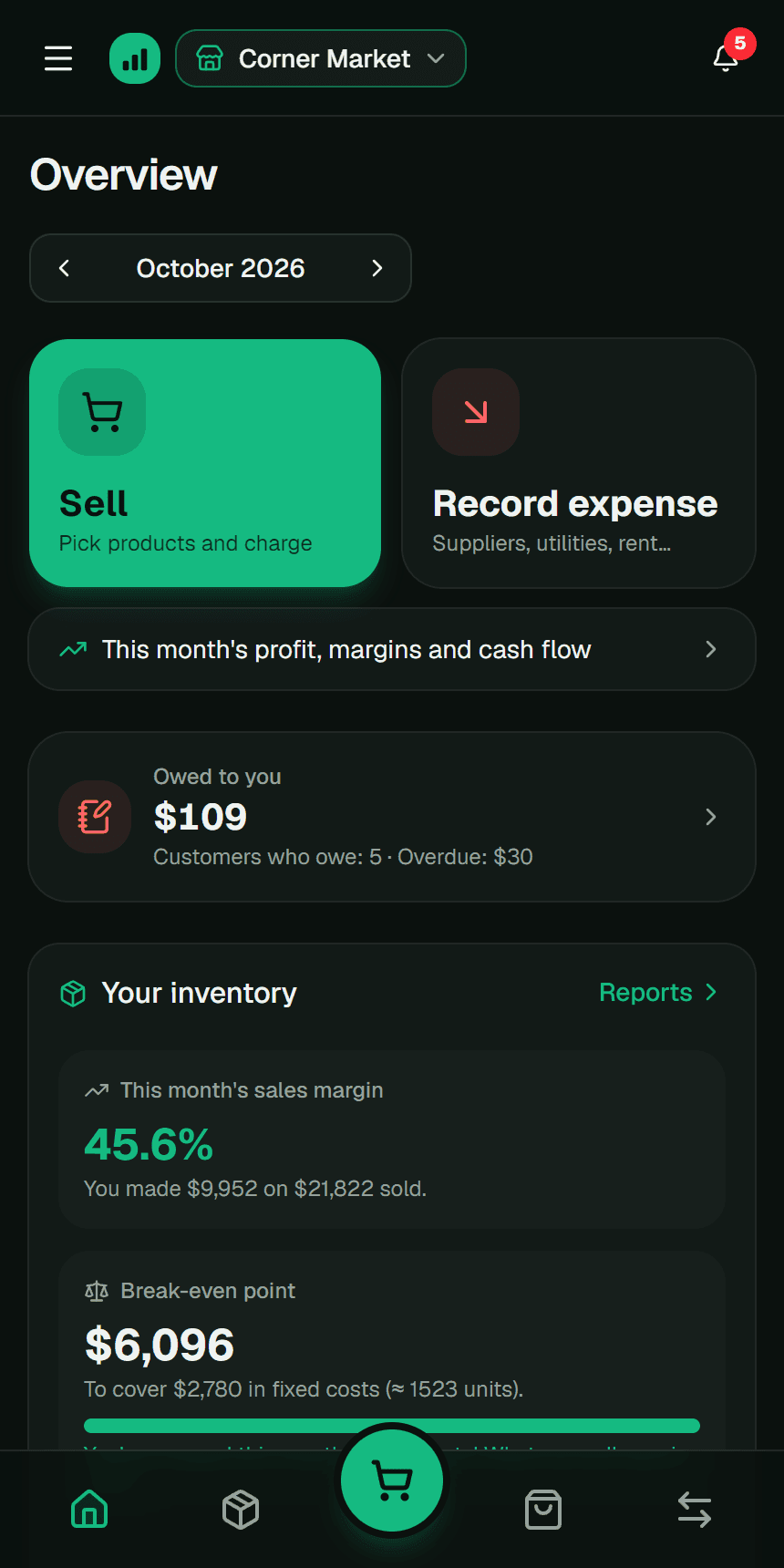
On your business dashboard, Fluvi calculates the month’s break-even point with your fixed expenses and the real margin of what you sold, and tells you when you’ve covered them: from there on, what you sell is profit.
It’s free: add your business’s fixed expenses (up to 3 on the Free plan, unlimited with Premium) and record your sales with their cost.
Frequently asked questions
Does my salary go in fixed costs?
Yes. What you need to live on is a business cost even if you pay it to yourself. If you leave it out, the break-even point will tell you you’re doing fine when you’re actually working for free.
How often should I calculate it?
Review it every month and whenever your fixed costs change (a new lease, another employee) or your prices and purchase costs do.
What happens if I sell less than the break-even point?
You lose money that month: what your sales left wasn’t enough to pay the fixed costs. If it keeps happening, raise prices, buy cheaper, cut costs or sell more.
Is the break-even point the same as profit?
No: it’s exactly where profit is zero. Every unit you sell above it leaves you profit, at the rate of what each one contributes (price minus cost).
Related guides
This guide is educational content, not personalized accounting or tax advice. The numbers are examples; adjust them to your business. More details in the Terms and conditions (in Spanish).