How to calculate selling price and profit margin
The right formula, the mistake that costs many businesses money and how to add tax.
By the Fluvi team · Updated October 31, 2026
Price and margin calculator
Enter what each unit costs you and the margin you want, or the price you already charge.
Price for a 30% margin
$58
Rounded price · margin 31.0%
$58
Profit per unit
$18
If you just add 30% to the cost you'd charge $52 and your real margin would be 23.1%, not 30%.
Margin and markup are not the same
Margin is what you earn as a percentage of the selling price. Markup is what you add as a percentage of the cost. They sound alike but give different numbers: add 30% to a $40 product and you sell it for $52 and earn $12, which is only 23.1% of what you charge.
So if you need to earn 30% of what you sell, the markup has to be bigger. This table gives you the equivalent:
| Margin you want | Markup on cost | Price if it costs $40 |
|---|---|---|
| 20% | 25.0% | $50 |
| 25% | 33.3% | $54 |
| 30% | 42.9% | $58 |
| 35% | 53.8% | $62 |
| 40% | 66.7% | $67 |
| 50% | 100.0% | $80 |
How to price a product, step by step
- Work out the real cost per unit. What you pay the supplier plus shipping, packaging and card or marketplace fees. If you buy by the case, divide by the units in it.
- Choose the margin. Think about how fast the product sells, what competitors charge and how much you need to cover your monthly costs.
- Calculate the price: cost ÷ (1 − margin). For 30%, divide by 0.70; for 25%, by 0.75.
- Round up to a price that’s easy to charge and to give change for.
- Review it whenever your cost goes up. If the supplier raises prices and you don’t, your margin shrinks without you noticing.
What about sales tax or VAT?
If you charge sales tax or VAT, it goes on top of your price: with a 8% sales tax, $58 becomes $63. That tax isn’t profit: you collect it to pay it to the government. In countries where shelf prices include VAT, work out the price without tax first to calculate your margin. Rates and rules depend on where you sell, so check with your accountant.
Watch out for discounts
A discount comes out of your margin, not your price. If you sell at $58 with a cost of $40 and give 10% off, you charge $52 and earn $12 instead of $18: that 10% ate a third of your profit.
Margin isn’t your monthly profit yet
What each sale leaves you first has to pay the business’s costs: rent, utilities, wages. Only what’s left after that is profit. To know how much you need to sell to cover them, use the break-even calculator. And if you sell on credit, that profit only arrives when the customer pays: see how to manage customer credit.
Set your prices in Fluvi
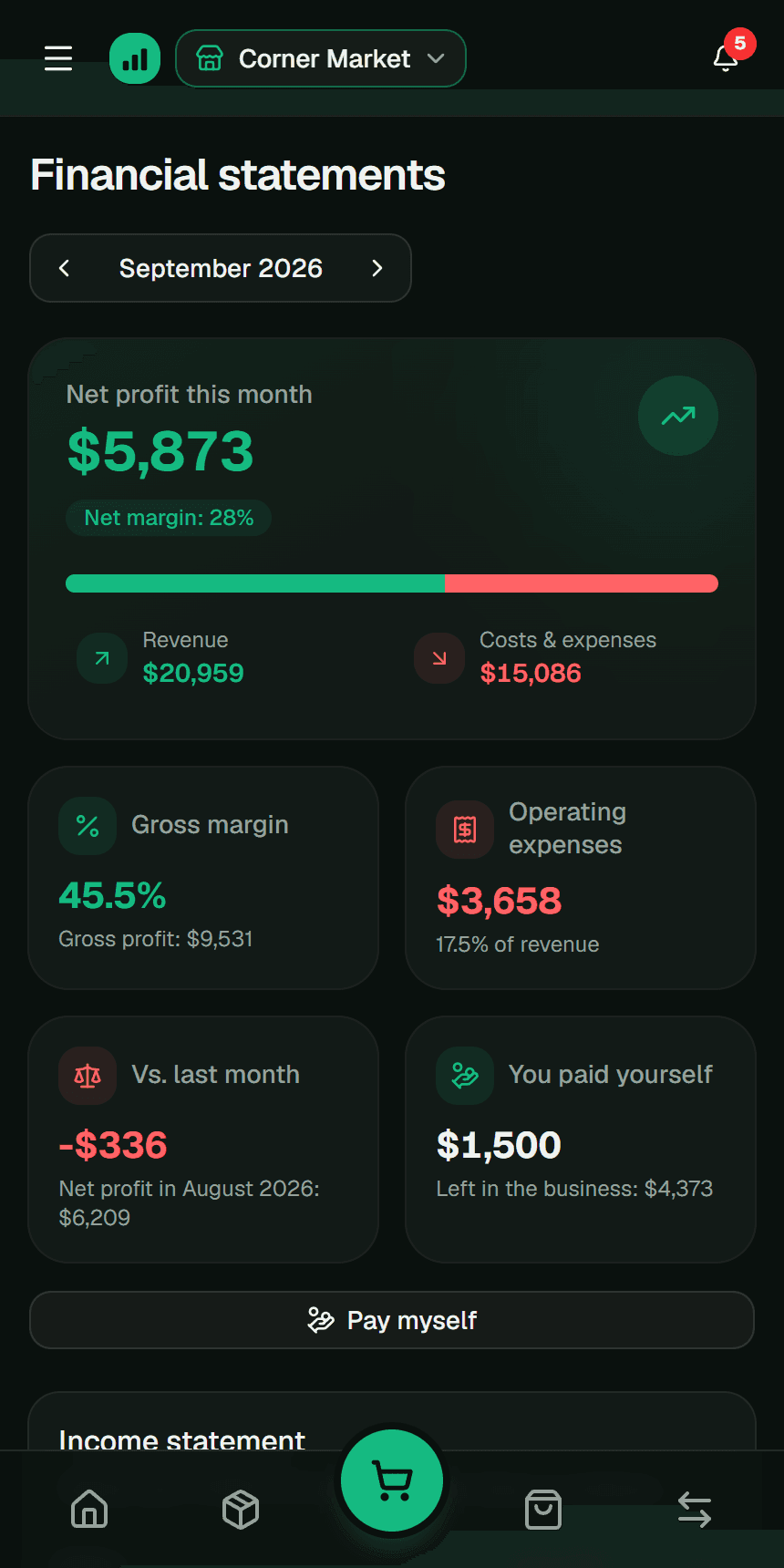
Create your products with their cost and price and Fluvi shows the margin of each one. When you sell, it calculates the profit with the real cost, and in Financial statements you see the month’s margin and profit. Set up your sales tax once and it’s separated on every sale.
Free for up to 30 products. With Premium, unlimited products with photos and the profit-per-product reports in PDF and Excel.
Frequently asked questions
What’s a good profit margin?
It depends on the product and how fast it sells: fast movers usually carry lower margins and slow sellers higher ones. What matters is that what you earn in a month covers your fixed costs and leaves something; check it with the break-even point.
How do I get the margin of a price I already charge?
Subtract the cost from the price and divide by the price: (price − cost) ÷ price × 100. If you sell for $58 something that costs you $40, your margin is 31.0%.
What’s the difference between gross and net margin?
Gross margin is what a sale leaves after paying for the goods. Net margin also subtracts the business’s expenses: rent, utilities, wages. This calculator gives the gross margin of each product.
How do I price a service?
Add what you want to earn for your time (your hourly rate × the hours), the materials and a share of your fixed costs. That’s your cost; apply the margin to it just like a product.
Related guides
This guide is educational content, not personalized accounting or tax advice. The numbers are examples; adjust them to your business. More details in the Terms and conditions (in Spanish).