Sales tax and VAT calculator: add or remove tax from a price
Add tax to a price, or find the price before tax when it’s already included: VAT, GST, sales tax or your country’s tax.
By the Fluvi team · Updated November 7, 2026
Sales tax and VAT calculator
Enter a price, pick your tax rate (VAT, GST, sales tax…) and say whether that price already includes it.
Price before tax
£100
Tax (20%)
£20
Price with tax
£120
Working: £100 × 1.2 = £120
How to add tax to a price
When you have a price before tax (a quote, a supplier’s list price, your service fee) and need the price your customer pays:
- Turn the rate into a decimal: 20% is 0.20.
- Add 1: 1.20.
- Multiply the price by that number.
| Rate | Before tax | Tax | With tax |
|---|---|---|---|
| 20% | £100 | £20 | £120 |
| 10% | £100 | £10 | £110 |
| 5% | £100 | £5 | £105 |
If you only need the tax amount, multiply by the rate: £100 × 0.2 = £20.
How to remove tax from a price (reverse VAT)
You need this when the price already includes the tax: what you charge at the till, the total on a receipt, a shelf price. The formula is price before tax = price with tax ÷ (1 + rate), and the tax is the difference.
The classic mistake is taking the percentage off the total. The rate applies to the price before tax, not to the total, so £120 − 20% = £96 takes off too much. The right sum is £120 ÷ 1.2 = £100. A handy shortcut: at 20%, the tax inside a price is one sixth of it.
Sales tax and VAT around the world
Each country gives it its own name and rate, but the sum is the same. These are standard rates; most countries also have reduced or zero rates for some goods, so check the rate for what you sell.
| Country | Tax | Standard rate |
|---|---|---|
| United Kingdom | VAT | 20% (reduced 5%) |
| Ireland | VAT | 23% |
| Australia | GST | 10% |
| New Zealand | GST | 15% |
| Canada | GST / HST | 5% GST; 13–15% HST in some provinces |
| South Africa | VAT | 15% |
| Nigeria | VAT | 7.5% |
| Kenya | VAT | 16% |
| Philippines | VAT | 12% |
| Singapore | GST | 9% |
| United Arab Emirates | VAT | 5% |
| United States | Sales tax | Set by state and city; added at checkout |
Selling somewhere else, or in another currency? Type that rate into the calculator and switch the currency: the sum doesn’t change.
Tax included or added at checkout
In VAT and GST countries, prices shown to consumers usually have to include the tax; between businesses it’s common to quote before tax. In the US, sales tax is normally added at checkout. Either way, the tax isn’t yours: you collect it to pay it. Work out your margin on the price before tax with the price and margin calculator, and leave the tax out when you look at your break-even point.
Fluvi keeps the tax apart from your sales
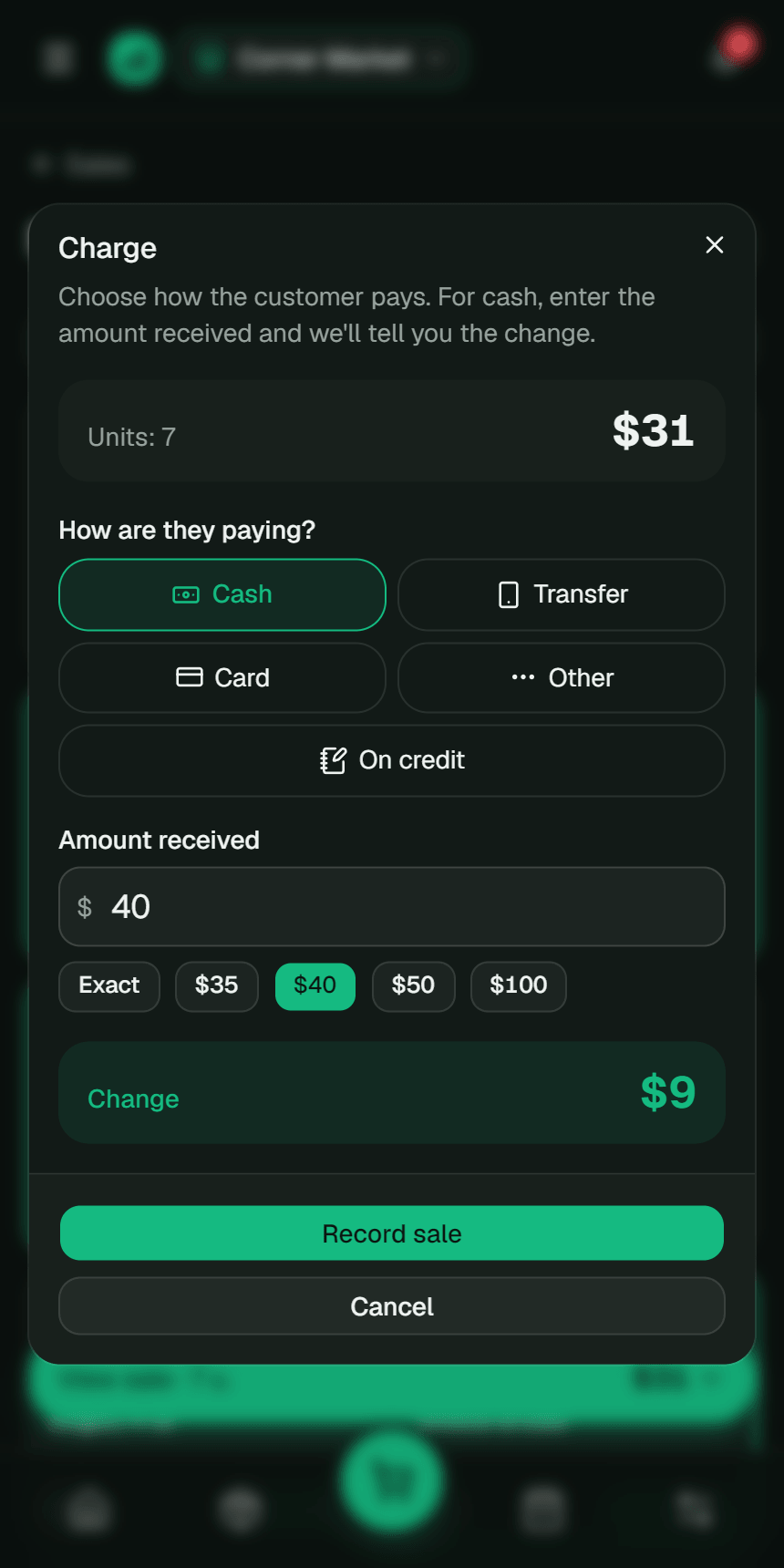
In a Fluvi business you set your tax with its name and rate (VAT, GST, sales tax…), choose whether your prices include it or it’s added at checkout and mark exempt products. Every sale stores its tax and the receipt shows it.
It’s free, and the tax you collect isn’t counted as income in your financial statements. With Premium, the accountant export includes the period’s tax with taxable and exempt sales.
Frequently asked questions
How do I work out the tax included in a price?
Divide the price by 1 + the rate (1.2 at 20%) to get the price before tax; the difference is the tax. From £120 you get £100 plus £20 of tax.
Why can’t I just take the percentage off the total?
Because the rate was applied to the smaller, pre-tax price. Taking 20% off £120 leaves £96, not £100: you’d be removing too much.
Is the tax I charge my business’s money?
No. You collect it on behalf of the tax authority: if you’re registered, you report it and pay it, usually minus the tax you paid on your purchases. That’s why your margin should be worked out before tax.
Does it work for any country?
Yes. The sum is the same for VAT, GST, sales tax or any tax added to the price; only the rate changes. Pick a common one or type your country’s, and switch the currency if you like.
Related guides
This guide is educational content, not personalized accounting or tax advice. The numbers are examples; adjust them to your business. More details in the Terms and conditions (in Spanish).